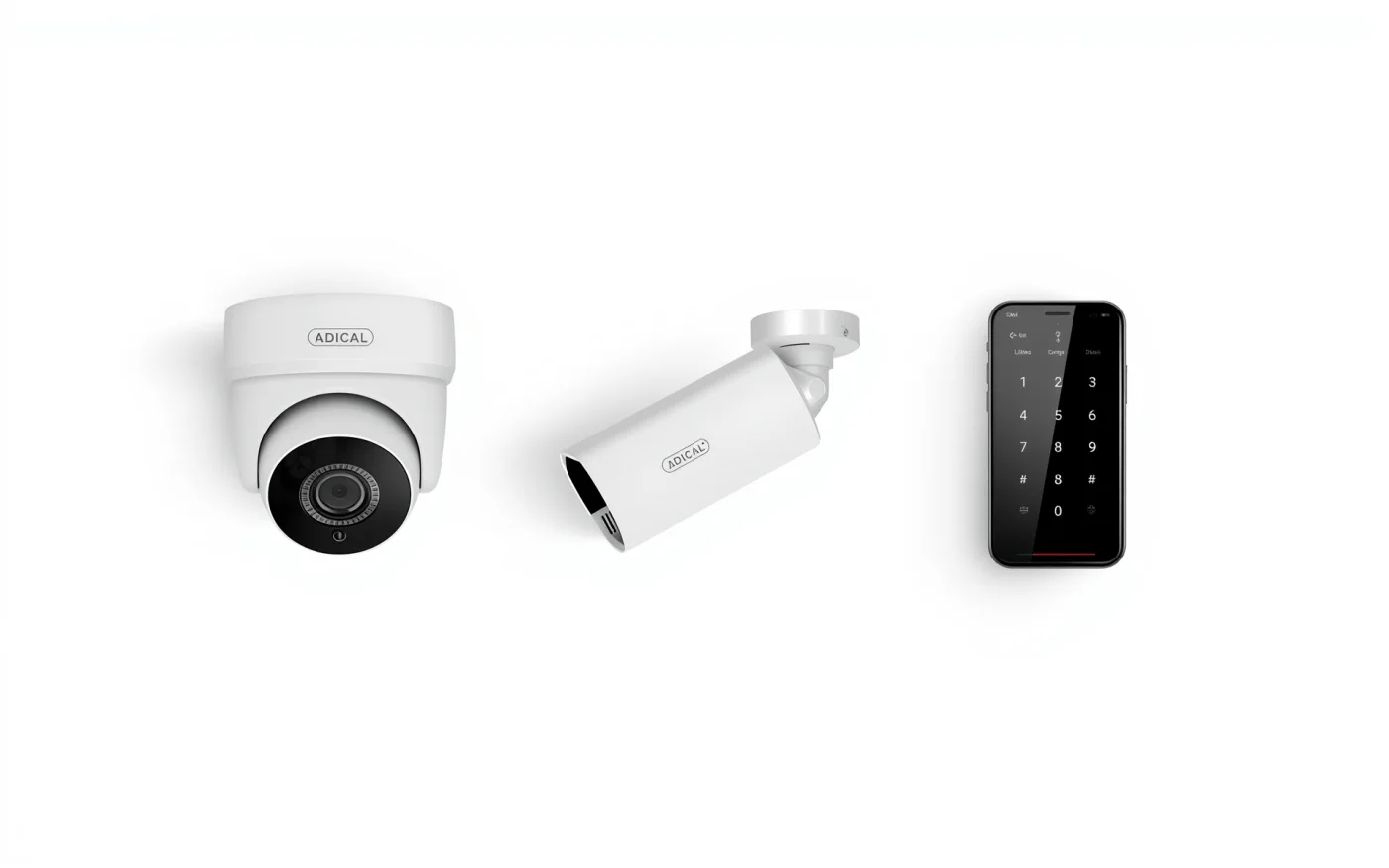
What Phoenix does to security cameras
The heat runs up to what cameras are rated for
Phoenix reached 110°F or hotter on 70 days in 2024, a record, and its all-time high is 122°F. The Ubiquiti G5 Turret, a camera we install often, is rated for air up to 122°F, and a camera in full sun on a south or west wall runs hotter than the air around it. When an outdoor camera keeps dropping offline in summer, sun and heat are the first things we check.
Source: National Weather Service Phoenix
Monsoon dust ends up on every lens
Dust storms and haboobs come from thunderstorm outflow winds and are most common in the Southwest, and Arizona's monsoon season officially starts June 15. Dust on a lens softens the picture by day. At night the camera's infrared light bounces off it and washes the image out, so a cleaning after monsoon season brings the picture back.
What we fix
Most camera problems come down to a handful of causes. These are fixes from our own service calls around the Valley:
- A camera knocked offline by a network cable pulled slightly loose at the back.
- Every camera showing offline at once because the recorder lost its network connection.
- A recorder showing a hard drive error. A new drive is the first test, and if the error stays, the recorder or the network switch is next.
- A recorder from another brand that stopped showing its cameras.
- An outdoor camera damaged in a parking lot, replaced on the same cable.
- Two aging recorders replaced with one newer recorder and a larger network switch.
Systems someone else installed
You don't need to have bought the system from us. Our service request asks who installed it, and we work on systems other installers put in.
We check the recorder, the cameras and the cabling, and keep what still works. If the recorder is too old or out of channels, we tell you what replacing it takes. For new coverage, see security camera installation.
Preventive maintenance
A maintenance visit checks the whole system before something fails. In Phoenix, one visit before the summer heat and another after monsoon season cover the two hardest stretches of the year for outdoor cameras.
- Clean every lens and dome.
- Check each camera's view, focus and night picture, and re-aim any that moved.
- Check the recorder's drive health and that it keeps the days of footage you expect.
- Update the recorder and camera firmware.
- Check cables, connectors, the network switch and any battery backup.
- Review who has a login, and remove people who've left.
How a repair call works
- Send a service request or call (602) 769-7992. Tell us what's down, how bad it is and who installed it.
- We come out, find the cause and fix what we can on that visit.
- We test every camera with you before we leave, including the night picture and phone viewing.
