What to know about digital signage in Chandler
Downtown window signs: 25% of the glass, no permit
In downtown Chandler's City Center District, a window or door sign may cover at most 25 percent of the glass and does not need a sign permit. This comes from the 2017 sign ordinance, so we confirm the current wording with Planning before relying on it for a screen.
Interior lighting is allowed, with limits
In the City Center District, window signs may be lit by the tenant from inside, including neon, but neon may not outline a window. Whether a screen counts as a window sign is a question for Planning, and we plan placement with that in mind.
A screen facing out can count as a sign
Chandler counts any display visible beyond the property that names or advertises a business as a sign, which can include screens seen through a window.
Downtown's 2006 design standards list electronic signs as prohibited
The 2006 South Arizona Avenue Design Standards, conceptual guidelines for the downtown corridor, list electronic signs as a prohibited sign type. That does not line up neatly with the window rule above, so for any screen that faces out downtown, we ask Planning first.
Source: City of Chandler, South Arizona Avenue Design Standards (2006)
Menu boards, lobby screens and wayfinding
Most signage jobs fall into three types. Menu boards sit behind a counter and show items, prices and photos. Lobby and retail screens show promotions, events or a welcome message. Wayfinding screens at an office, medical suite or warehouse show directions, room names or schedules.
Each type has a different content rhythm. A menu board might change daily. A lobby screen might run the same loop for a month.
Screens, players and software
Every screen needs a media player, a small box or a chip built into the display, that pulls content from a cloud account. You update the content from a browser, and every screen in the building changes on its own schedule. Commercial displays are rated for long hours, which matters when screens run from open to close.
We help set up the account, the first templates and the schedule, so your staff are not starting from a blank page.
- Portrait or landscape screens, sized to the space.
- Players with local storage so a lost connection doesn't blank the screen.
- Schedules by time of day, such as breakfast, lunch and dinner menus.
- Separate content by location for businesses with more than one site.
Menu boards for restaurants
A digital menu board lets you change prices, hide a sold-out dish and promote a special without reprinting. It also keeps menus consistent across a counter, a drive-up window and a to-go screen. We design the screen layout around reading distance and glare, because a bright window behind the counter can wash out a screen.
Placement and the Chandler window question
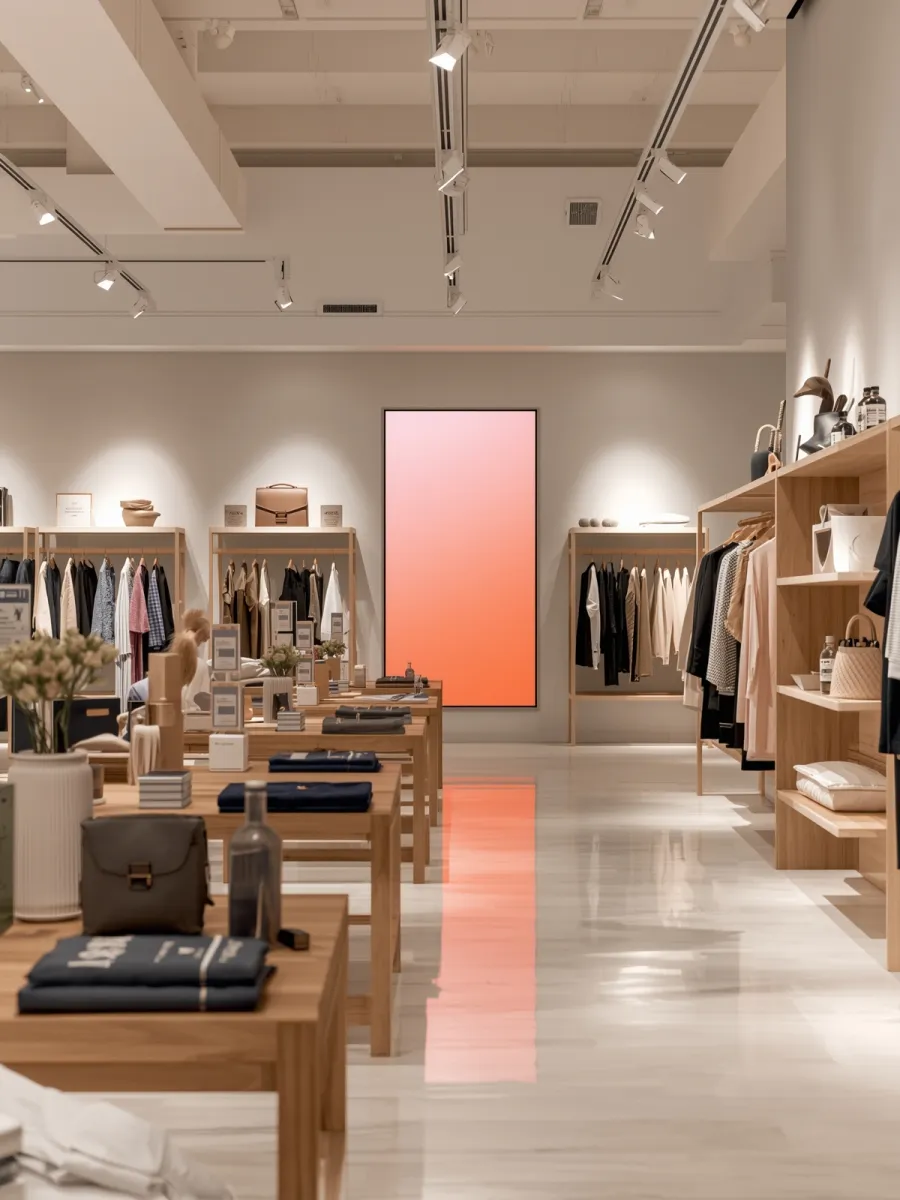
Placement decides whether Chandler treats a screen as a sign. Inside, facing your guests, a screen is part of the room. Facing out through glass with your name or offers on it, it can be a sign, with a permit and inspection if it is lit. Downtown, the window rules above apply.
We walk the storefront with you, choose screen positions that serve your guests and flag any that need a city answer. If a lit sign is needed, the city's sign permit checklist sets the fee at 2.5% of valuation plus $0.25 per square foot, plus a $60 electrical inspection. Planning handles signs at 480-782-3050.
Power, network and upkeep
Each screen needs power and a network connection. We run the cable inside the wall, add outlets where needed and put the players on a stable network. After install, the ongoing work is content, which you keep current. We service the hardware Monday to Friday, 8 AM to 5 PM.
Signage next to other systems
In restaurants, signage often goes in with TV and video distribution, and LED video walls cover larger statement displays. The players need a steady network, so business WiFi is a common add. Back to Enzo in Chandler.
