What to know about business WiFi in Chandler
Heavy storms and outages hit WiFi equipment
SRP says monsoon storms can bring high winds, torrential rain and lightning that affect its electric system and business operations. Access points and switches on a battery backup ride through short dips and shut down cleanly in longer ones. SRP's business outage page lists 602-236-8888 and offers text or email alerts for outages affecting a business.
Source: SRP, business outage preparation
Know which utility serves you
Chandler's monsoon page lists both SRP (602-236-8811) and APS (1-855-OUTAGES) for outages, so an address may be on either.
Source: City of Chandler, monsoon safety
Cable in new work follows the 2024 codes
Plans submitted on or after July 1, 2025 follow the 2024 International Codes and the 2023 NEC. Access points sit on cable run through ceilings, so on a tenant improvement we confirm with plan review at 480-782-3078 how the work is handled.
Your WiFi needs a fast line behind it
Chandler says 22 fiber providers hold licenses in the city, though availability depends on each neighborhood's build. The best access points cannot pass more than your internet line gives them, so we check your speed during the walkthrough.
Wired access points, not repeaters
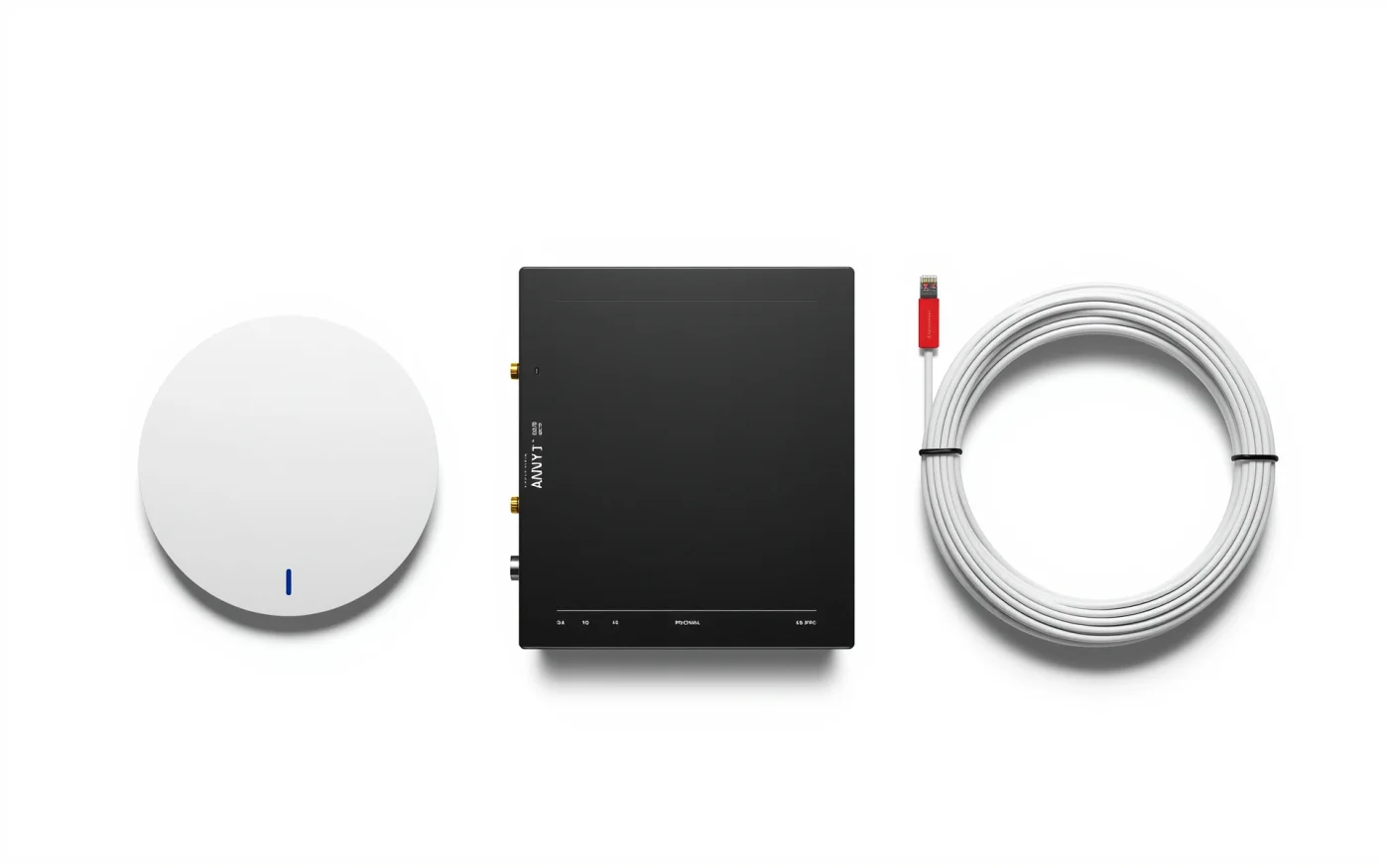
Commercial WiFi works best when each access point has its own cable back to the switch. That cable also powers the access point through PoE, so no outlet is needed near it. Extenders and mesh pucks that repeat a signal wirelessly cut speed in half at every hop.
This is why good WiFi often begins with structured data cabling.
Planning coverage room by room
Walls, tile, mirrors, metal shelving and kitchen equipment all change how a signal travels. We mark access point spots on your floor plan, then check them in the building, because a drawing cannot show a concrete wall or a walk-in cooler.
The count depends on how many devices connect, not just the square footage. A dining room with a full house and POS tablets needs more access points than an empty office of the same size.
Separate networks for staff, guests and devices
A single network for everything is a risk. We usually set up three.
- A staff network for computers, printers and the office.
- A guest network that reaches the internet only, with its own speed limit if you want one.
- A device network for POS, cameras, TVs and music, kept apart from guests.
Patios and outdoor WiFi
Outdoor access points are built for sun, heat and rain. On a patio, we mount them under a roof or eave, aimed at the seating, so the signal does not spill into the parking lot. A guest network on a patio also carries the music app, ordering tablets and handheld POS.
Outdoor equipment goes where it can be reached for service, and we label it.
WiFi downtown and in the Price Corridor
Downtown Chandler has restaurants, shops and offices around Dr. A.J. Chandler Park, which the city says hosts more than 100 events a year. A crowded patio on event night puts many phones on the air. We size the guest network for that load. The Price Corridor's offices have different needs, such as roaming between floors without dropped calls and keeping guest traffic away from internal systems.
Warehouses and shops elsewhere in town need something else again. Metal racking blocks signal, so we mount access points above the aisles instead of at the walls. We test with the same handheld scanners or tablets your staff use, since a laptop can show strong signal where a scanner drops out.
What sits on the same switches
WiFi depends on your cabling and your internet line. Security cameras often share the switches, and a backup internet link keeps the network up. Our other Chandler work is on Enzo in Chandler.
