What to know about digital signage in Maricopa
Window and interior displays are capped at 50 percent of the glass
Window and interior display signs together may cover no more than 50 percent of the windows they are visible through. The City's sign brochure repeats the cap. Painted or vinyl-film messages on existing glass need no sign permit, but their area counts as window signage, so they use up the same half.
Source: City of Maricopa, MCC 18.115.090
Drive-through menu boards have their own limits
Drive-through restaurants may have one menu sign without a call box and one with a call box, 48 square feet maximum per drive-through area, 6 feet high, set at least 45 feet from the street. The front of a menu board may not be visible from the public street, and call boxes must face away from homes or be screened.
Source: City of Maricopa, MCC 18.115.090
Digital panels are limited on monument signs
In commercial and industrial districts only up to half of the allowed freestanding monument sign area, the reader panel, may be digital. Electronic signs also hold each message for at least 30 seconds and can't use video. A sign can't block a door, window or other exit.
Permits and fees
A permit is needed to install any new sign or modify or replace an existing one. A sign permit costs $223, plus $56 for each additional sign, and an electric permit is required for every exterior electronic sign. Starting before the permit is issued doubles the fee.
What digital signage is
A digital sign is a commercial display, a small computer behind it and software that controls what it shows. You edit a menu or promo on a laptop and every screen updates. Nobody prints posters or climbs a ladder.
Menu boards for restaurants
An indoor menu board needs to be readable from the line, so screen size comes from the distance to the back of the queue. Bright rooms need higher-brightness panels, and screens near a kitchen need good ventilation and a mount away from heat and grease.
- Change prices and items in one place, and update every screen at once.
- Schedule breakfast, lunch and dinner menus to switch by time.
- Hold a full-screen photo or promo between menu cycles.
Retail and office screens
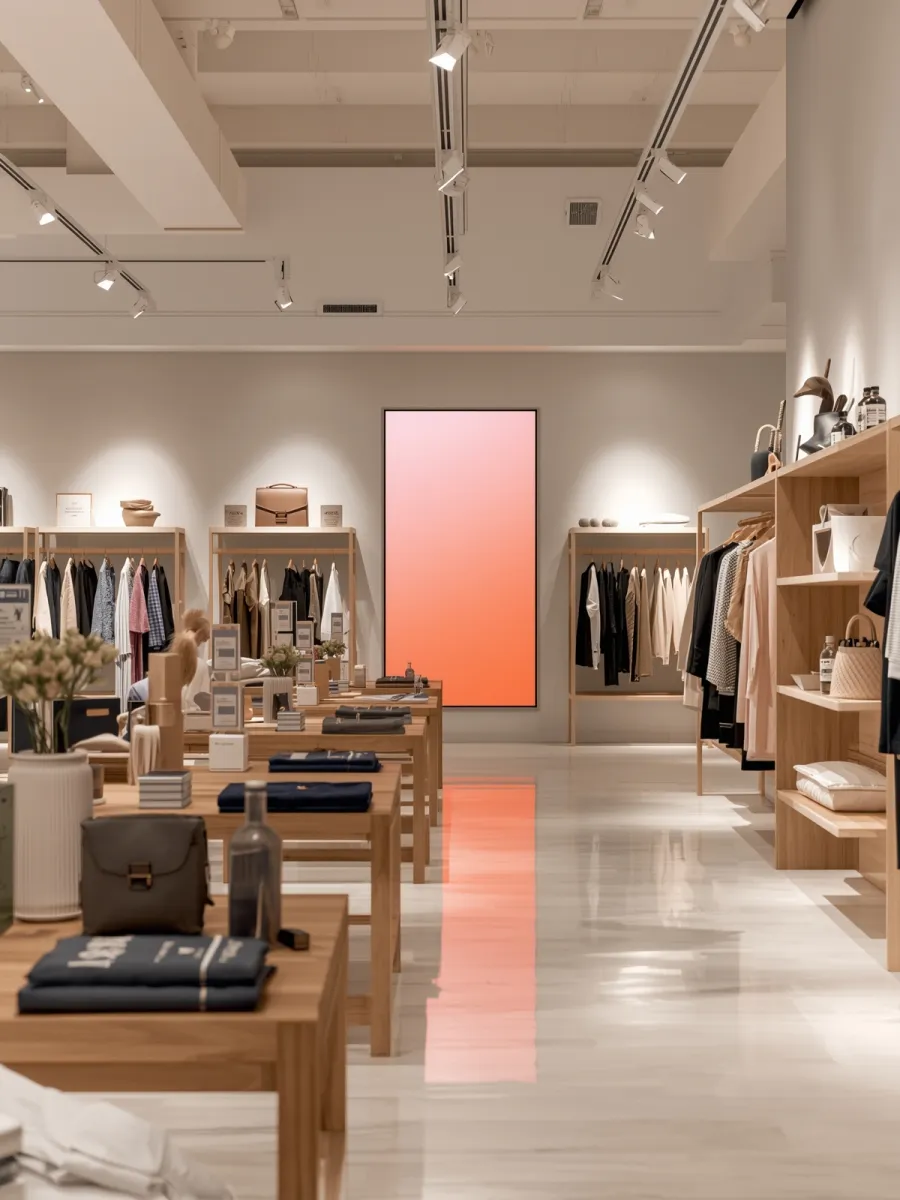
Retail screens work best as a tall display near the entry or checkout, with content that loops without sound. In an office, a lobby screen can show directory, visitor and event information. Content players are small enough to sit behind the display, so there is no rack to find space for.
Maricopa windows and drive-throughs
The 50 percent cap is a count of glass, so we measure each window before choosing a screen. If you already have vinyl lettering on the glass, that area comes off the half. Where a screen would face the street, we ask Development Services at 520-316-6920 whether the City will treat it as a sign, since the code text we found doesn't say.
For a drive-through, the board has to sit 45 feet or more from the street and its front can't be visible from it. That decides where the post goes, so we check the site plan before ordering anything.
Network, power and upkeep
Each player needs power and a network connection. We run cable to each screen and put the players on your network, or give them their own. Screens in direct sun or a covered patio need panels built for the heat. After the install we handle service, Monday to Friday, 8 AM to 5 PM.
Often paired with
Signage goes in with TV and video distribution for the rest of the room and business WiFi for card readers and guests. A feature wall is a job for LED video walls. Browse everything else on the Maricopa page.
