What to know about business WiFi in Maricopa
Access points run on cable, so the cabling rules apply
Good business WiFi has each access point wired back to a switch. Maricopa adopted the 2023 National Electrical Code with one amendment, for island countertop receptacles, and no local amendment on low-voltage or plenum cable. We spec the cable for the ceiling it runs through.
Source: MCC 15.05.100 (Ord. 26-01)
Ask whether a larger build-out needs a permit
The city's Building Safety page tells applicants to contact the office to find out whether a permit is needed, and it lists no exemption for low-voltage work. For a WiFi job inside a tenant improvement, Development Services at 520-316-6920 can say how the wiring is handled.
Outdoor dining has its own limits
For sidewalk-cafe style outdoor dining, the city's code says seating may operate only during the restaurant's own hours and may have no permanent roof or shelter over the dining area. That rule is for sidewalk cafes on the sidewalk or right-of-way. If your patio is covered, you can mount outdoor access points under the cover. If it is open, we plan weather-rated mounts.
Source: MCC 18.120.190
Your internet provider sets the ceiling on speed
Cox says it is now Spectrum in Maricopa and advertises fiber-powered service over coax on its residential page. That page doesn't confirm business coverage for an address. WiFi can't be faster than the internet line feeding it, so we look at your connection before we promise anything about the wireless.
What a business WiFi install includes
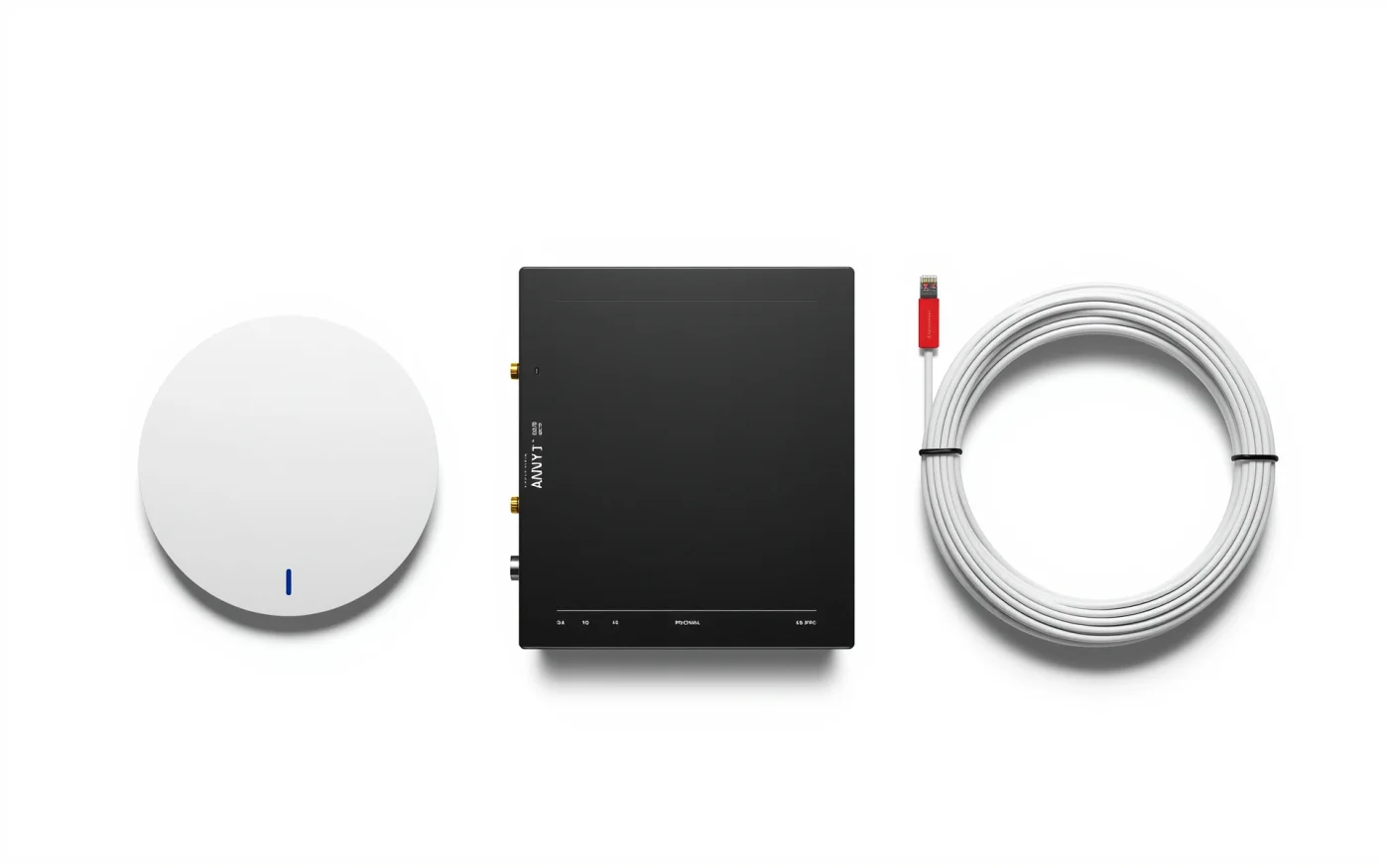
A site survey comes first. We walk the space, note the walls, ceilings and the places people sit, and pick access point locations. Then we pull cable, mount the access points and configure the network.
- Ceiling or wall access points, each on its own cable.
- A PoE switch that powers them, so no outlets are needed in the ceiling.
- A router or firewall with separate networks for guests, staff and payments.
- Names, passwords and a guest network with a simple landing page if you want one.
- A coverage test, walked room by room, after the install.
Why one router is not enough
A consumer router puts out one signal from one spot. Block walls, a kitchen, a walk-in cooler and a mirrored bar back all weaken it. More access points at lower power give steadier coverage than one at full power, and devices roam between them as people walk.
Restaurants need extra care at the register. Point-of-sale terminals and printers belong on a separate network from guest phones, wired when possible.
Guest, staff and payment networks
We set up at least two networks: one for guests and one for staff and equipment. Guests can reach the internet but not your registers, cameras or printers. We can limit how much bandwidth the guest network uses, so a table streaming video doesn't slow the order screens.
Patios, warehouses and large rooms
Outdoor access points are built for sun, dust and heat, and they get their own cable. In a warehouse, tall racks block signal, so access points hang higher and are placed down the aisles. Large rooms with many users, such as a bar or banquet space, need more access points set to a narrower footprint, so people aren't crowded onto one.
WiFi for Maricopa's shopping centers and entertainment spots
Tenants in shared shopping centers, such as Maricopa Fiesta at Smith-Enke and John Wayne Parkway, share the air with neighbors' networks on the same channels, so we survey the real signal in the suite and choose channels around it. Entertainment spots with a bar, bowling and games, like Ak-Chin Circle, can put many phones in one room, which is the load we size a busy bar or banquet space for.
If your landlord supplies the internet line, we ask where the handoff is before we plan the rack.
Often paired with
WiFi depends on structured cabling to each access point. It often shares switches with security cameras, and backup internet keeps the network up when the line drops. See the Maricopa page for our other services here.
