What to know about business WiFi in Gilbert
Large new buildings need emergency responder radio coverage
Gilbert's technical codes require approved radio coverage for emergency responders in new buildings over 3 stories, with 45,000 square feet or more on a floor, or with a basement of 250 square feet or more, or a wired system where approved. Exceptions include some residential and utility occupancies and cases where the fire code official says it isn't needed. It is a separate system from WiFi, but it shares ceilings, cable paths and sometimes the same walkthrough.
Source: Town of Gilbert, Technical Codes (fire code amendments)
Heritage District restaurants and outdoor seating
The Town describes downtown Gilbert's Heritage District as a collection of over 30 restaurants, with free public parking. A restaurant with a patio or covered seating needs weather-rated access points, aimed so the signal reaches the tables and not the street.
New tenants arrive on a schedule
Heritage Park, a mixed-use project at Gilbert Road and Juniper Avenue, adds about 47,000 square feet of retail and restaurants. The Town's project updates list the first phase as expected to finish in winter 2026 to 2027, a timeline the Town calls tentative. Tenants in new shells get cabling and WiFi planned together.
Codes in force today
Gilbert's code table lists the 2018 IBC and the 2017 NEC, effective January 1, 2020. The Town's permits page lists a 2024-based update as a draft, not adopted, coming soon January 2027.
Why one router runs out
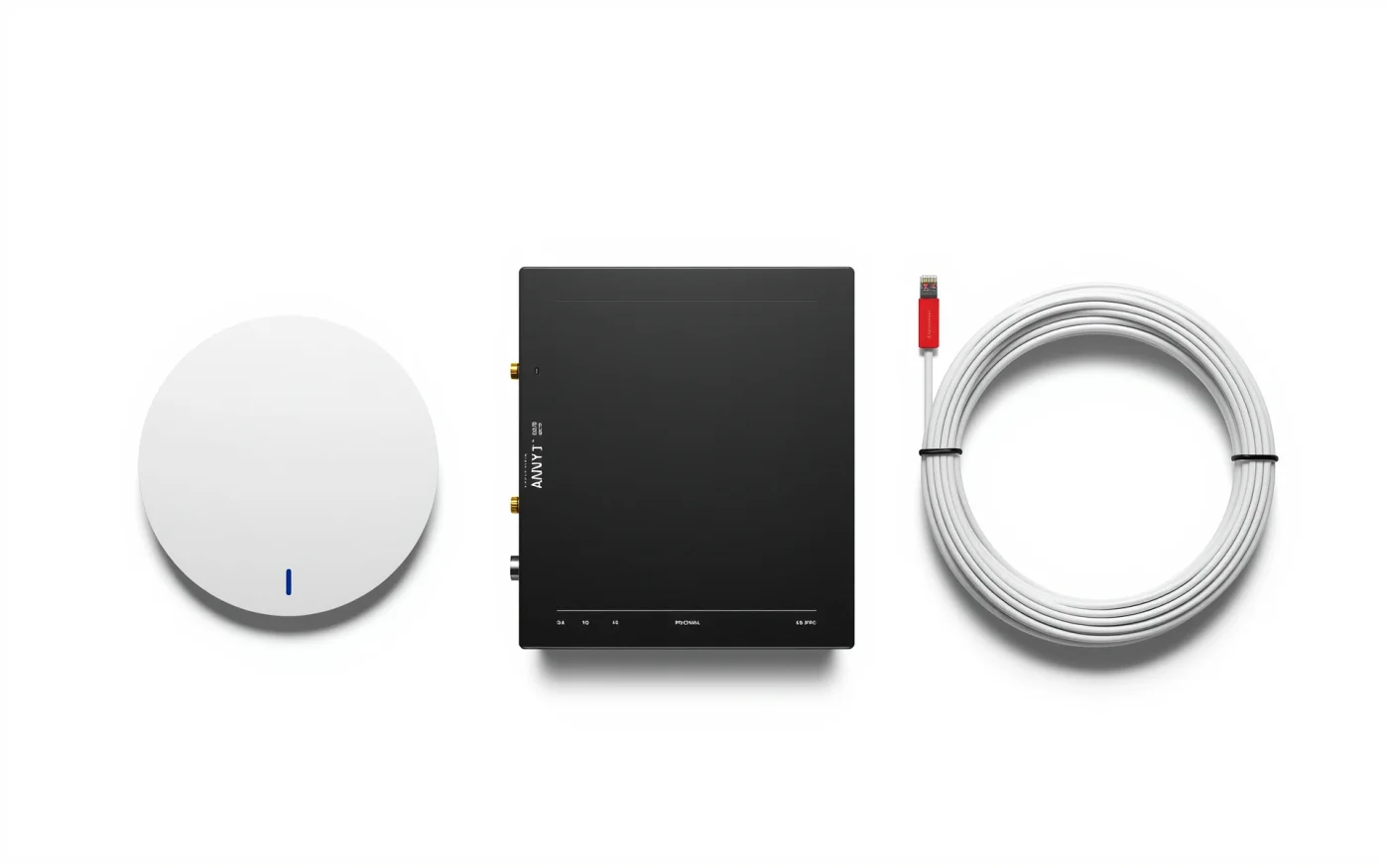
One router covers a small space. A restaurant with a dining room, bar, patio and kitchen, or an office with walls and a conference room, needs several access points, each wired back to a switch. Cable makes WiFi dependable. Access points that relay wirelessly from each other lose most of their speed.
Planning coverage
We work from a floor plan and a walkthrough, noting walls, glass, metal, kitchens and crowds. A bar on game night needs more access points than the same square footage in a storage room. The plan lists each access point, its mounting spot and its cable run.
Cable and labor are a big part of a WiFi job's cost, not just the access points. Planning keeps you from buying twice.
- Count the devices at your busiest hour, including guests, staff, tablets and card readers.
- Put access points where people sit, not where the cable is easy.
- Aim outdoor access points at the seating, away from the street.
Separate networks for staff, guests and equipment
A guest network keeps customers off your registers, printers and cameras. Staff devices get their own network, and point-of-sale terminals, cameras and music systems get a third. An infected guest phone then has nothing worth reaching.
We can cap guest bandwidth so one person streaming doesn't slow the kitchen printer, and add a simple splash page if you want one.
Switches, power and backup
A PoE switch powers the access points through the same cable, so no one needs an outlet in the ceiling. The switch, router and a battery backup live in a rack or wall cabinet. If your internet goes down, a backup connection keeps registers and card readers running.
Floor plan to room-by-room test
- We make a floor plan on the walkthrough.
- The quote gives the number of access points, the cable runs and the switch.
- Cabling and mounting go in, usually after hours.
- After setup we walk every room and the patio with a test device.
- Service runs Monday to Friday, 8 AM to 5 PM.
Often paired with
WiFi relies on structured data cabling and shares the network with security cameras and business phone systems. The Gilbert page lists the rest of our work in town.
