What to know about business WiFi in Surprise
New tenant spaces are built to the 2024 codes
Surprise adopted the 2024 I-Codes and the 2023 National Electrical Code, for permit applications submitted on or after January 1, 2026. Access points are low-voltage devices on network cable, but the cable and ceilings they use follow the same buildout drawings.
Source: City of Surprise, 2024 Building Code Implementation Process
Fire alarms and emergency radio systems share your ceilings
Surprise's fire code amendments require fire alarms in Group A (including restaurants and bars) and Group B (office) occupancies and in new tenant spaces. Ordinance 2025-14 adopted the codes and amendments, including an emergency responder communication enhancement system (ERCES) in all new buildings. Those systems add devices, antennas and cable to the same ceilings that hold access points. We lay out access points around them, and we keep our radios clear of theirs.
No low-voltage permit exemption is listed
Surprise's amendments add one electrical permit exemption, for special cases the Building Official allows. Network and WiFi work is not named. The city's fee schedule lists a building or fire permit at $100 plus $6 per $1,000 of valuation, and plan review at 65% of that fee. It has no visible adoption date, so confirm the amounts. Call Community Development at 623-222-3000 to confirm how your project is handled.
Source: City of Surprise, 2024 building code amendments and fee schedule
Game-day crowds put pressure on the network
Surprise Stadium hosted 31 spring training games in 2026, from February 20 through March 21, and the 2027 schedule had not been announced when we checked. Game-day crowds in the city mean more guests trying to get online at once in restaurants and bars. We size the network for your busiest day, not your average one.
Survey first, then place access points
WiFi coverage depends on walls, shelving, kitchen equipment, glass and how many people are in the room. We walk the space and mark where each access point should go before we pull a single cable. In a warehouse with tall racking we check signal between aisles, and in a restaurant we check the patio, the bar and the dining room separately.
More access points at lower power often work better than a few at full power, because devices connect to the closest one and the radios interfere less.
Wired, not extended
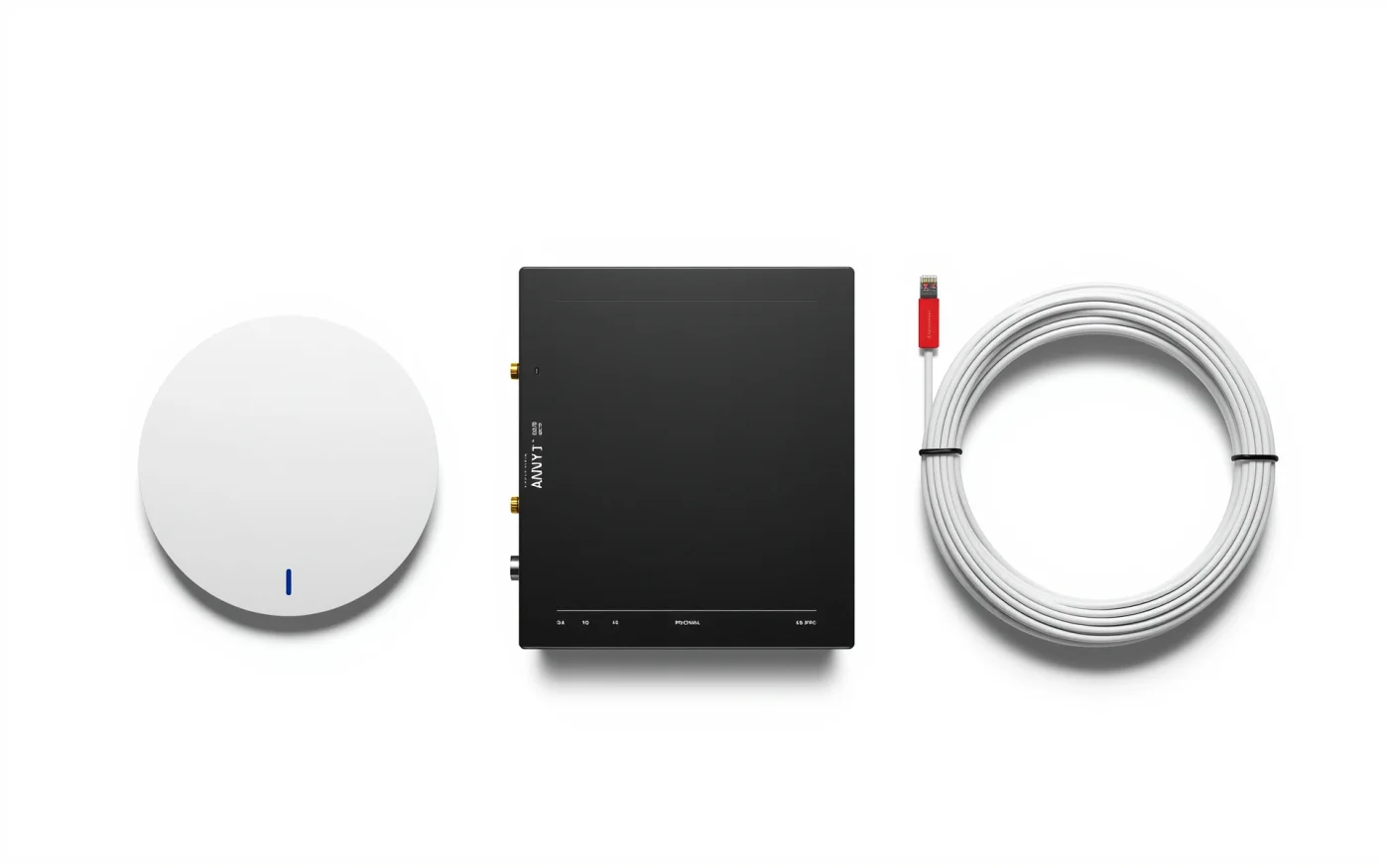
Each access point connects to the network by a cable, and the same cable powers it using PoE. Wired access points are faster and more reliable than repeaters or mesh nodes that pass the signal wirelessly. This is why WiFi and structured data cabling are usually one job.
Separate networks for guests, staff and equipment
A guest network keeps customers away from your registers, printers and cameras. We set up at least three: guests, staff, and a locked-down network for payment terminals, cameras and building equipment. Guest speed limits and a splash page are optional.
A single password on a single network is the common problem we fix. Anyone who has ever had the password can still join it.
Outdoor and patio WiFi
Outdoor access points are built for sun and heat, and they mount on walls or poles with the antenna aimed at the seating area. We place them to cover the tables without spilling far past the property.
Install and signal testing
- A walkthrough and survey of the space, including the places that matter most.
- A written quote with access point locations and switches.
- Cabling and mounting, scheduled around your hours.
- Configuring each network and testing signal in every area.
- Handing over admin access. Service after the install runs Monday to Friday, 8 AM to 5 PM.
WiFi with the rest of the network
WiFi goes in with structured data cabling, security cameras on the same network and a backup internet connection so guests stay online during an outage. More on Enzo in Surprise.
