What to know about business WiFi in Mesa
Mesa's permit page doesn't name low-voltage work
The City says permits are needed for tenant improvements, building electrical systems and safety systems including alarms. Access points and their cabling are not named. On a remodel, we ask Permit Services at 480-644-4273 how your project is handled before we start.
Current codes are the 2024 set
Mesa's 2024 International Codes and the 2023 National Electrical Code took effect on January 8, 2026. Ceiling access points and the cable above them are installed to those codes, including firestopping where cable passes through rated walls.
Mesa lists five fiber providers for your internet line
WiFi is only as good as the connection behind it. The City names Spectrum (formerly Cox), Gigapower (AT&T Fiber), Google Fiber, Lumen and Ubiquity (Fiber First), with Spectrum and Lumen in select areas only. We size the network to the line you have, or the one you are about to order.
Monsoon season runs June 15 to September 30
Arizona State Parks lists those dates. Outdoor access points on a patio or at a loading dock see dust, heat and storms in that period, so we use outdoor-rated units with surge protection on the cable.
Design starts with a site survey
The number of access points is not a formula. Walls, shelving, kitchens, mirrors and metal all change the signal. We walk the building and measure where signal drops, then place each access point so devices hand off cleanly as people move.
The result is a map: where each unit goes, which channel it uses, and how strong the signal is at the farthest table, desk or stock aisle.
Separate networks for staff, guests and devices
A single network for everything is a risk. We set up at least three: one for staff and computers, one for guests, and one for point-of-sale, printers and cameras. Guests cannot see your registers. A guest login page, if you want one, is optional.
Each network has its own limits, so a guest streaming video does not slow a card payment.
Wired access points, not repeaters
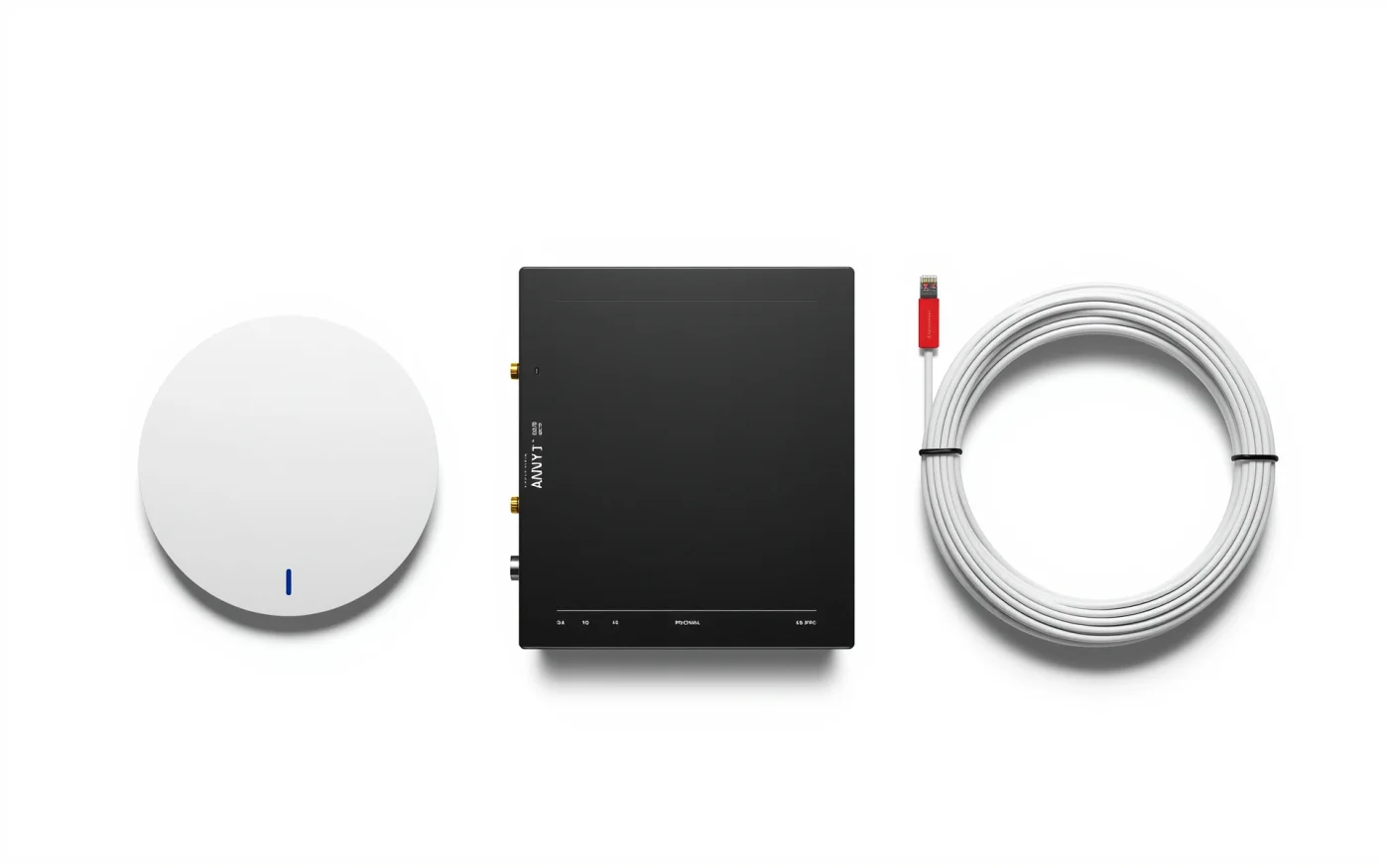
Every access point should connect back by a network cable that also powers it. Wireless repeaters halve the speed with each hop and cause trouble in a busy room. We pull the cable first, so structured data cabling is part of most WiFi jobs.
Patios, warehouses and big rooms
Patios need outdoor access points aimed at seating, often with a smaller cell size so the signal does not leak into the parking lot. Warehouses with tall racks need units mounted high with the right antenna. Large dining rooms and event spaces need more units at lower power, not fewer at full power, to handle a crowd.
Security, management and cost
A network people depend on needs more than a password. We set strong encryption on staff and device networks, change every default login, and give you a short list of who has access. Access points are managed from one screen, so a firmware update or a password change is done once, not unit by unit.
If something does go wrong, the management screen shows which access point has the problem and how many devices are on it. That turns a vague complaint about slow WiFi into a specific fix.
Cost follows the number of access points, the length and difficulty of the cable runs, the switch that powers them, and whether any units go outdoors or high on a warehouse ceiling. Open ceilings are quick. Finished ceilings and fire-rated walls take longer. We give a written quote after the walkthrough, so you know the total before work begins.
How an install goes
- Walk the space and survey the signal.
- A plan with access point locations, network design and a written quote.
- Cable and mount, scheduled around your hours.
- Set up the networks, security and guest access.
- Test speed and signal at the real seats, desks and aisles.
- Train your staff, with help afterward Monday to Friday, 8 AM to 5 PM.
Often paired with
WiFi is only as good as the line behind it, so it often goes in with backup internet and fiber. It also shares the network with security cameras. Everything else we install here is on Enzo in Mesa.
