What to know about business WiFi in Queen Creek
Your WiFi is only as good as the internet line behind it
Cox, now branded Spectrum in Queen Creek, lists business fiber internet for bars and restaurants from 300 Mbps to 2 Gbps over its hybrid fiber-coax network. CenturyLink Business serves only select areas in Queen Creek. Neither page shows address-level availability, so we check what reaches your space before we size the WiFi.
Access point wiring may be exempt, power circuits are not
The Town's electrical exemption list includes low-energy Class II and Class III circuits and wiring under 27 volts that cannot supply more than 50 watts. Access point cabling may fall under that wording, but outlets and circuits for the switch rack are separate. The Building Official decides whether your job needs a permit. Building Safety is at (480) 358-3009.
Source: Queen Creek amendments to the 2021 codes, Town Code 7.1.4.2.3
A new tenant space files its own permit application
Each commercial tenant space needs its own building permit application, submitted online with electronic plans. WiFi cabling in a buildout goes in best before ceilings close, so we ask for the plans once the application is in. The Permit Technician line for fee estimates is 480-358-3050.
More places to open means more networks to build
The Town's economic development list names restaurants and bars coming to Downtown at the northeast corner of Ellsworth Loop and Ocotillo, plus restaurant areas at Queen Creek Marketplace, Queen Creek Road and Ellsworth, The Madera and Harvest Station. The list is undated and gives no opening dates. Each new space needs WiFi planned from the plan sheets.
Why a survey comes first
WiFi signal depends on walls, shelving, kitchen equipment, glass and the number of people in the room. We walk the space, mark access point spots on the plan and check the busiest area first, since a full dining room soaks up signal.
More access points on lower power usually beat a few strong ones. Each device then has a close, clear connection.
Wired access points, not extenders
Every access point gets its own network cable back to a switch, which also powers it over PoE. A wired access point passes full speed to the next device. Wireless extenders repeat the signal and cut speed in half or worse at each hop. We use extenders only as a last resort.
Separate networks for guests, staff and registers
Guests, staff devices and payment equipment should not share a network. A guest network lets customers online without seeing your registers, cameras or printers. We set limits per network so one guest streaming video does not slow the point of sale.
- Guest: internet only, with a speed cap per device.
- Staff: access to printers, the office and shared files.
- Point of sale: its own network, locked down.
- Cameras and phones: their own network so video does not compete with customers.
Patios, parking and the Arizona heat
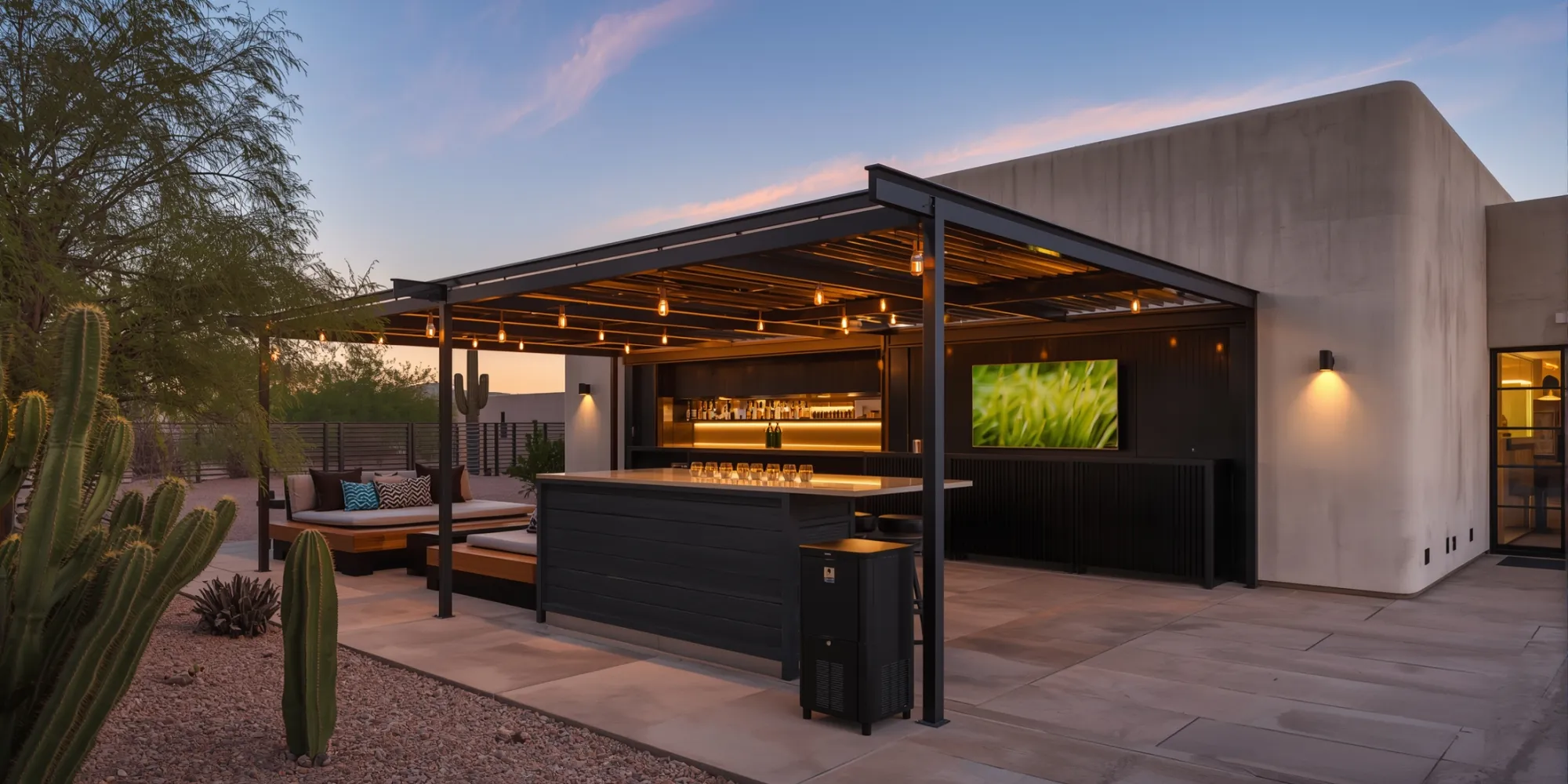
A patio needs outdoor-rated access points, mounted under shade where possible. Sun and heat shorten the life of equipment, and monsoon dust and rain test every seal. We use weather-rated access points with sealed cable ends and aim them toward seating.
Metal shade structures, stucco and block walls cut signal, so a patio often needs its own access point instead of a signal pushed through a wall.
After the install
- We test speed in every seating area and room, not just by the access point.
- Network names and passwords are written down and handed over.
- Your team learns how to restart and check the system.
- Service stays local, Monday to Friday, 8 AM to 5 PM.
Often paired with
WiFi rides on structured data cabling, so we plan them together. Most owners also add backup internet so customers and registers stay online, and business phone systems on the same network. The rest of the list is on Enzo in Queen Creek.
