What to know about business WiFi in Glendale
Event days load a WiFi network in the Westgate area
Westgate Entertainment District turns 20 in November 2026 and runs live music at Fountain Park on event weekends. Parking lots around the arena and stadium charge on event days, which points to crowds, so a restaurant or bar that is quiet on a Tuesday can have far more phones in the room on those dates.
Your internet comes from Cox, Quantum Fiber or another provider
Cox Business has a dedicated Glendale page for restaurants and bars, delivered over a hybrid fiber-coax network. Quantum Fiber says fiber service and speeds are available only in select locations. WiFi can only be as fast as the line behind it, so we check what you have before we size the network.
Adding a circuit or outlet needs a permit
Glendale's permit Q&A, written for homeowners, says extending an electrical circuit and adding outlets needs a permit. Most access points are powered over the network cable (PoE) and need no outlet at the ceiling, which keeps WiFi installs out of that category. If a job does need a new circuit, we call Development Services at 623-930-2800.
WiFi inside a tenant improvement follows the 2024 codes
Glendale's 2024 codes took effect January 9, 2026, and plans submitted after July 9, 2026 must comply with them. A WiFi install inside a tenant improvement follows those editions.
Source: City of Glendale, 2024 Building Code implementation memo
Planning coverage room by room
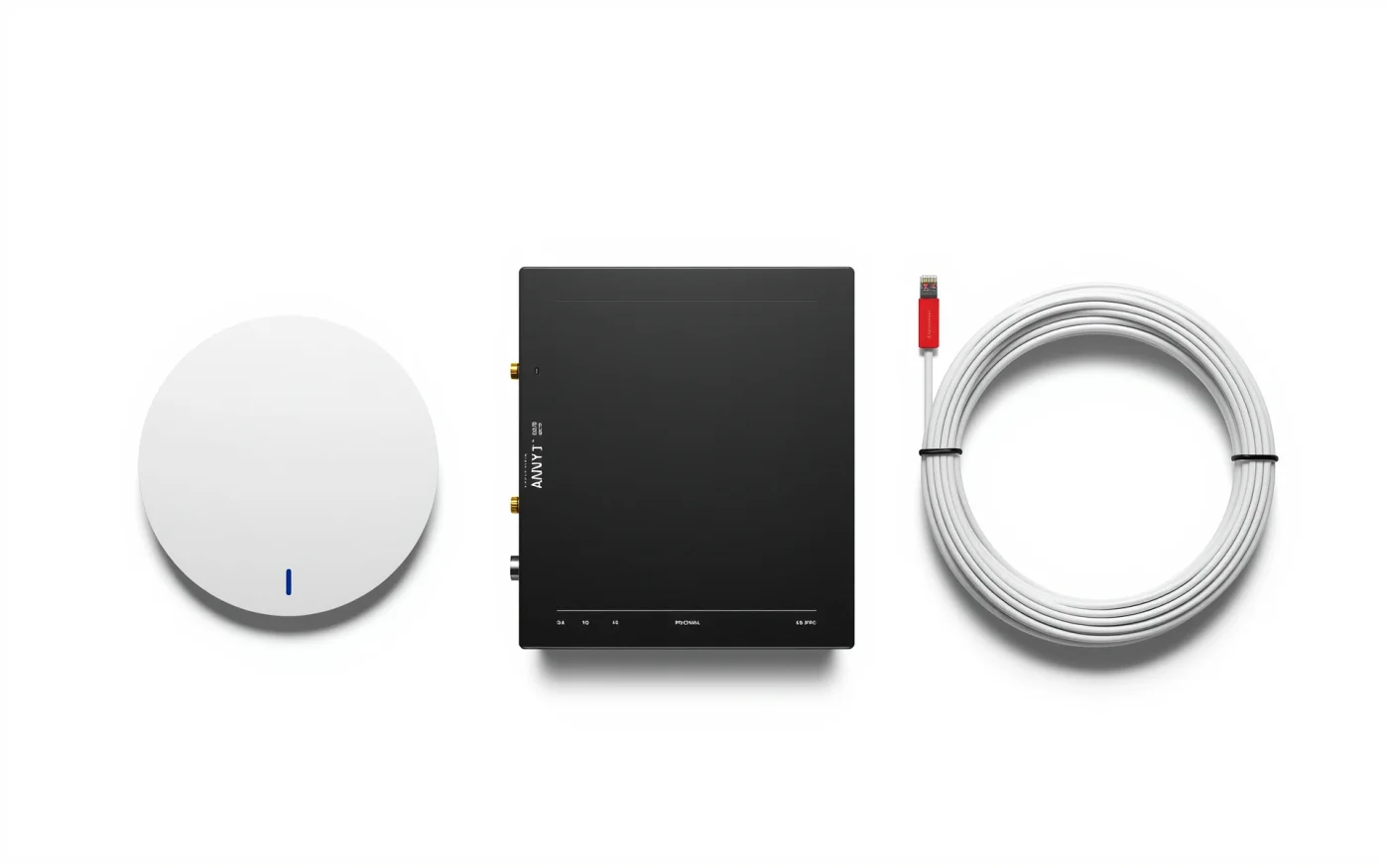
One router in a back office will not cover a building. We place access points where people sit and work: dining room, bar, patio, back of house and offices. Block walls, kitchen equipment and metal shelving all block signal, so we plan around them and test afterward.
More access points at lower power usually beat a few at full power. Each device talks to the nearest one, and the network handles more people at once.
Separate networks for staff, point of sale and guests
Your register and card terminals should not share a network with guest phones. We set up separate networks, so guest traffic cannot reach your point-of-sale system, your cameras or your office computers. Guests get a simple login or a click-through page, with speed limits so one person streaming video does not slow everyone.
Patios and outdoor areas
Outdoor coverage needs outdoor access points rated for sun, heat and dust, mounted under an eave or on a pole within cable reach. Patios fill in the cooler months with people on their phones, so we aim the signal at the seating and not at the parking lot.
Event-day capacity
A network built for a Tuesday lunch struggles on a game day. The stadium calendar lists Cardinals home games on Nov. 15, Nov. 29, Dec. 6, Dec. 20 and Jan. 3, and the Vrbo Fiesta Bowl is Dec. 30. For venues near State Farm Stadium and Desert Diamond Arena, we count the seats and the standing room you serve on a busy day, and we add access points and switch capacity to match. We also size the internet line, because a full room can use all of it.
What happens on site
- We walk the building and look at your current network and internet line.
- The quote shows access point spots and cable runs.
- Cable and access points go in, usually after hours.
- We configure the networks and test signal in every room and on the patio.
- A short session with your staff, then service Monday to Friday, 8 AM to 5 PM.
WiFi's supporting cast
Every access point needs structured data cabling. If your internet goes down, backup internet keeps registers and guest WiFi running, and security cameras can share the same wiring. The rest of our Glendale work is on the Glendale page. Call (602) 769-7992 and we will plan coverage on a walkthrough.
