What to know about security cameras in Surprise
New tenant spaces now need a fire alarm, so plan cameras around it
Surprise's amended fire code requires a fire alarm system in new buildings and in new tenant spaces and shell buildings regardless of use. Group A (assembly, including restaurants and bars) and Group B (office) occupancies no longer have the old occupant-load conditions. A new buildout therefore has a fire alarm contractor on site at the same time as the camera crew, and we coordinate ceiling space, power and cable paths with them. Whether a remodel of an existing space triggers the rule is a question for Building Safety.
The 2024 codes apply to applications filed on or after January 1, 2026
Surprise has adopted the 2024 I-Codes and the 2023 National Electrical Code, effective January 1, 2026, for permit applications submitted on or after that date. Council passed Ordinance 2025-14 on December 2, 2025. Camera work on a new buildout is drawn to those editions.
Source: City of Surprise, 2024 Building Code Implementation Process
No low-voltage exemption is listed
The only added electrical permit exemption in Surprise's amendments covers special cases the Building Official allows for work of similar nature to the listed items. Low-voltage work is not named. On a tenant improvement we ask Community Development at 623-222-3000 how the camera wiring is handled before we price it.
Source: City of Surprise, 2024 building code local amendments
Fire access and Knox boxes affect where cameras go
The amended fire code requires an approved Knox box and an illuminated commercial address. Security gates across fire access roads must be electric, with battery backup and an electronic Knox key switch. Cameras that watch a gate or an address sign have to be placed so they do not block either one.
What goes in a commercial camera system
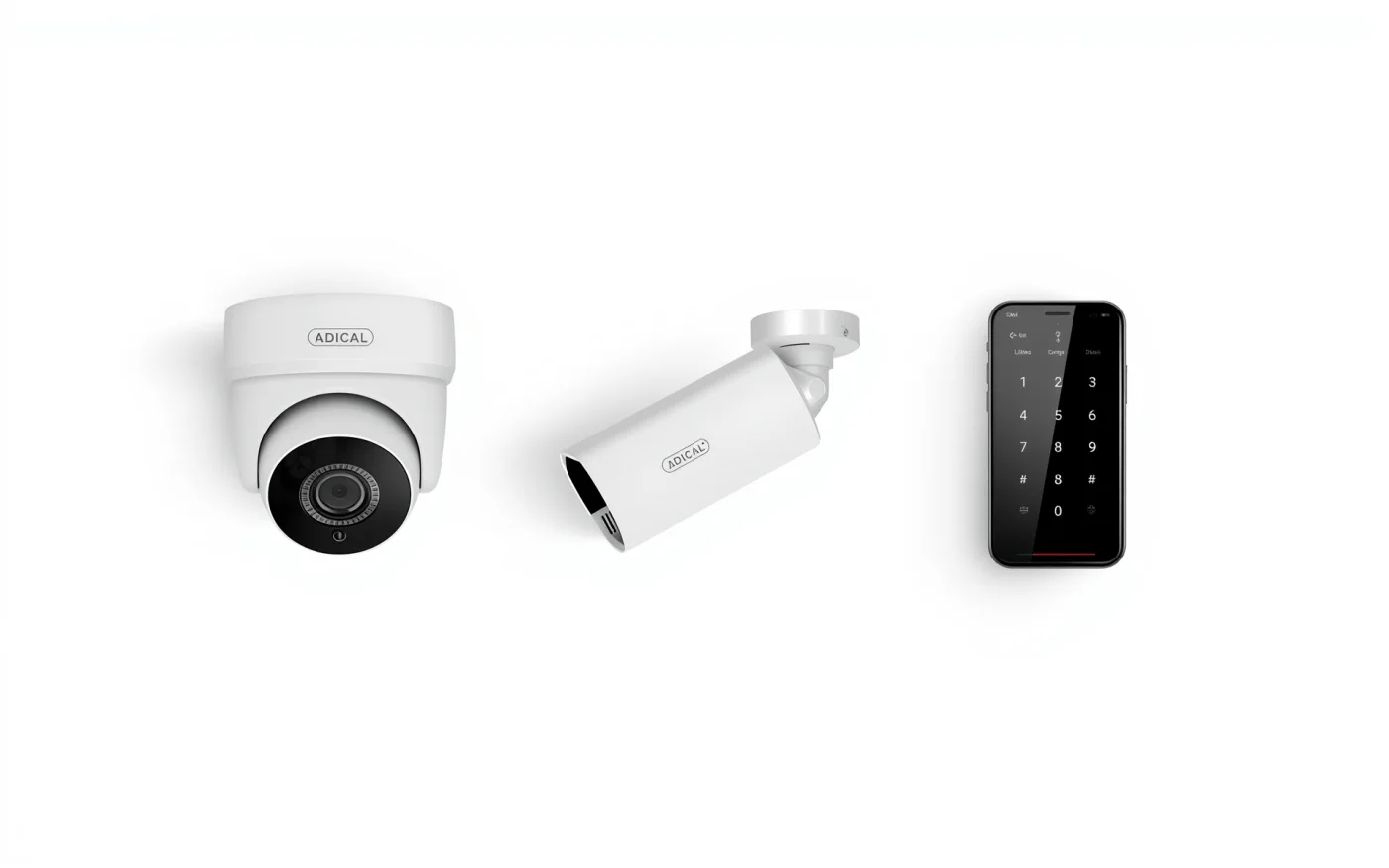
A typical system is a set of IP cameras, a recorder, a PoE network switch and the cable between them. PoE means one network cable carries both data and power, so each camera needs a single run back to the rack. The recorder stores video, and you watch live or recorded footage on a phone, a laptop or a monitor in the office.
- Dome cameras for dining rooms, offices and hallways.
- Bullet cameras for parking lots, building edges and loading docks.
- Varifocal lenses that are set on site to frame the door, counter or lane you care about.
- A recorder sized for the number of cameras and the days of video you want to keep.
Where to put cameras
Start with the places money and people move: entries, registers, the bar, the walk-in, the office, the back door and the lot. Then add coverage for blind spots. Height matters. A camera mounted too high sees the top of heads, and one mounted too low is easy to tilt or cover.
Lighting decides what the camera records at night. We check the lot and dock lighting during the walkthrough and tell you where a camera needs infrared, a light or a different position.
Retention, storage and access
How many days of video you keep depends on the recorder's drives, the number of cameras and the video quality. We size storage to the retention you want instead of the other way around. Motion-based recording stretches storage, and continuous recording on the entry and register cameras is a common mix.
Staff access should match jobs. A manager can view and export clips, and an owner sees every site. We set separate logins, so nobody shares one password, and we show you how to export a clip for the police or an insurer.
Cameras in Surprise: buildings, shells and new tenants
Some new space in Surprise starts as a shell. The city's October 2026 permit report shows a 12,353-square-foot retail and restaurant shell at 13605 N Sarival Ave in Prasada, with tenant buildouts following later. When a space is a shell, conduit and cable paths are easiest to place before the ceiling closes, so we like to be involved at the layout stage.
Large commercial space is being permitted too. The same report lists a 453,168-square-foot tenant improvement at Summit Business Park on Sweetwater Avenue. Large buildings like that need camera counts, recording servers and network switching planned together, and often a fiber link between buildings.
Install and aiming
- A walkthrough of the building, the ceilings and the places you want covered.
- A written quote with camera positions and recorder size.
- Cable runs and mounting, scheduled around your hours.
- Aiming, testing day and night views, and setting up phone access.
- A walk-through with your staff. Service after the install runs Monday to Friday, 8 AM to 5 PM.
Cameras and the rest of the network
Cameras run on the same network as everything else, so structured data cabling usually comes first. Pair them with door access control to put video next to the door log, and add a backup internet connection to keep remote viewing alive when the main line drops. The rest is on Enzo in Surprise.
