What to know about security cameras in Mesa
Alarm systems need a city alarm permit
Mesa requires an alarm permit for every active alarm system within city limits. The fee is $10 per alarm function, and running a system without the permit brings a $100 assessment. If your cameras trigger from, or feed into, an intrusion alarm, we sort out the permit with you at the start.
Source: City of Mesa, Alarm Permits
The 2024 codes apply, and the 2018 window has closed
Mesa's 2024 International Codes and the 2023 National Electrical Code took effect on January 8, 2026. Commercial projects designed under the older 2018 codes had a 90-day window to be submitted through a fee-waived code modification, and that window has closed.
Mesa's permit page lists alarms, not low-voltage cameras
The City says permits are needed for tenant improvements, building electrical systems and safety systems including alarms. Its page does not mention low-voltage work such as cameras, so on a tenant improvement we confirm with Permit Services before we schedule.
The noise chapter exempts weekday drilling
Construction, repair, remodeling and drilling are exempt from Mesa's noise chapter Monday to Friday, 6:00 a.m. to 8:00 p.m. That is the window we plan camera mounting and cable pulls around when work is near neighbors. Mesa's text does not state weekend hours for non-residential work.
What a camera system includes
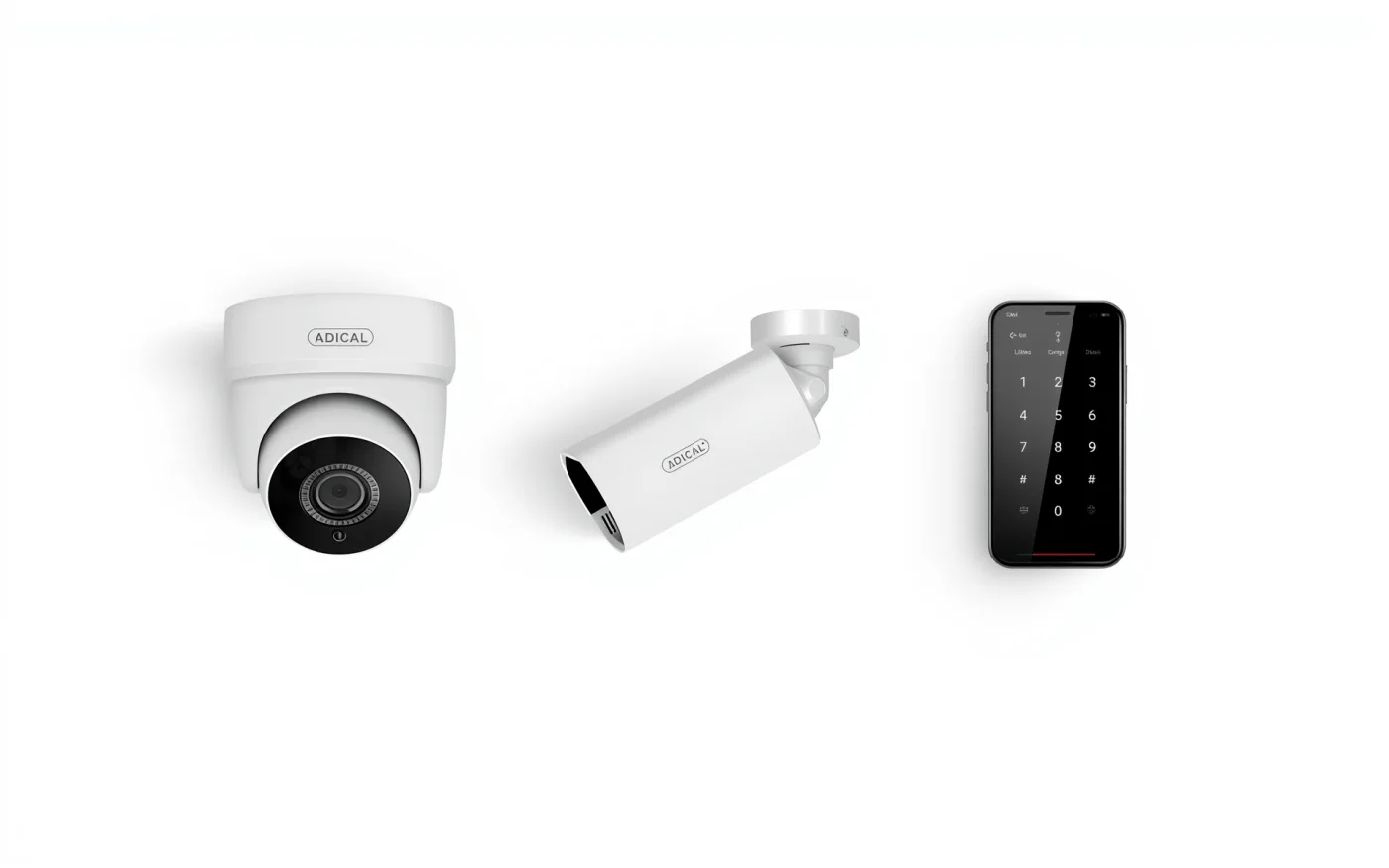
A system is more than cameras: the cables, a network switch that powers them, a recorder, storage and a way to view video from your phone or a desk. We size each part to the building and the camera count so nothing is the weak link.
Most new cameras connect over a single network cable that also carries power, called PoE. That means no separate outlet at each camera and a clean install on a ceiling, soffit or pole.
Where cameras go
Placement decides whether footage is useful. A camera that shows a face at the door is worth more than one that shows the whole parking lot as small shapes. We walk the property and mark every spot before we quote.
- Entrances and exits, at face height, so you can identify who came in.
- Cash registers, host stands and bar service areas.
- Back doors, loading docks and trash enclosures.
- Parking lots and patios, with lenses aimed away from direct sun and bright signs.
- Stock rooms, offices and server closets.
Recorders, storage and viewing
Footage is stored on a network video recorder, or NVR. How long it keeps video depends on the number of cameras, the resolution, and how much of the day they record. We calculate storage from your target, for example 30 days, and size the drives to match, rather than guessing.
You can view live and recorded video from a phone or computer. We set up separate logins, so a manager can pull a clip without having the rights to delete one. We also turn on motion alerts only where they help, because alerts from every camera get ignored fast.
Mesa heat, dust and monsoon
Cameras on a Mesa building take sun on the stucco, dust and summer storms. Arizona State Parks lists monsoon season as June 15 to September 30. We choose outdoor cameras rated for heat and weather, use sealed connections, and add surge protection on outdoor cable runs so a nearby strike does not travel down the line to your recorder.
Lenses facing east or west can wash out at sunrise and sunset. We pick cameras with strong backlight handling and aim them with the sun in mind.
How an install goes
- Walk the building to see ceilings, cable paths and where the recorder will sit.
- A plan with camera positions, a parts list and a written quote.
- Install around your hours so you stay open.
- Check aim, focus and recording settings at every camera.
- Train your staff and leave a printed map of camera names and locations.
- Service afterward, Monday to Friday, 8 AM to 5 PM.
Often paired with
Cameras usually go in with door access control, so video and the door log line up. They need a solid network, so most jobs include structured data cabling, and backup internet keeps remote viewing alive if your main connection drops. The rest of our Mesa work is on Enzo in Mesa.
