What to know about LED video walls in Queen Creek
A lit screen in a window can count as a sign
Under the Town's zoning definition, a sign includes anything visible from a public right-of-way on the inside face of a window. The definition excludes window displays, and where a lit digital screen falls is for the Planning Administrator. We ask before we hang a wall that faces out.
Source: Town of Queen Creek Zoning Ordinance, Art. 9 Definitions: Sign
Animated and flashing signs are banned
Animated signs are prohibited, and a sign whose message changes more than eight times a day counts as animated. Flashing signs and signs that emit sound are also prohibited. The only listed exception we found is a time and temperature display up to 3 square feet. Content for an outward-facing LED wall needs planning before the wall is hung.
Source: Town of Queen Creek Zoning Ordinance, Art. 9 and 7.2 Prohibited Signs
Electronic signs in a sign plan go through Planning and Zoning
Proposed electronic signage inside a Comprehensive Sign Plan has to be approved by the Planning and Zoning Commission. We found no brightness, hold-time or hours standard for electronic signs in the sign article. The Town's nuisance code also lists artificial lighting bright enough to substantially and unnecessarily interfere with others' use of property.
Downtown Core has its own guidelines
Signs in the Downtown Core follow the Downtown Core Design Guidelines. They list a programmable electronic sign among the types discouraged there, prohibit flashing and sound signs, and cap total wall signage at 150 square feet. The guidelines are dated September 2018, and the Downtown plan was updated in 2024, so confirm what applies to your address.
Source: Town of Queen Creek Downtown Core Design Guidelines, 3E Signage
Indoor wall or outdoor sign
Most LED walls we install are indoors: behind a bar, in a lobby, on a stage or in an entry. Those are decoration and information for people inside. A wall that faces the street is a different project. It may need a sign review, content rules and a weather-rated cabinet, and the permit comes first.
Pixel pitch and viewing distance
Pixel pitch is the distance between LEDs, measured in millimeters. A smaller pitch gives a sharper picture and costs more per square foot. A rough guide is that your closest viewer should stand at least as many feet from the wall as the pitch is in millimeters, and farther is better.
A bar backdrop seen from ten feet or more is fine at a coarser pitch. A lobby wall people walk up to needs a finer one.
- Close viewing, such as a reception wall, calls for a fine pitch.
- Stage backdrops and distant seating can use a coarser pitch.
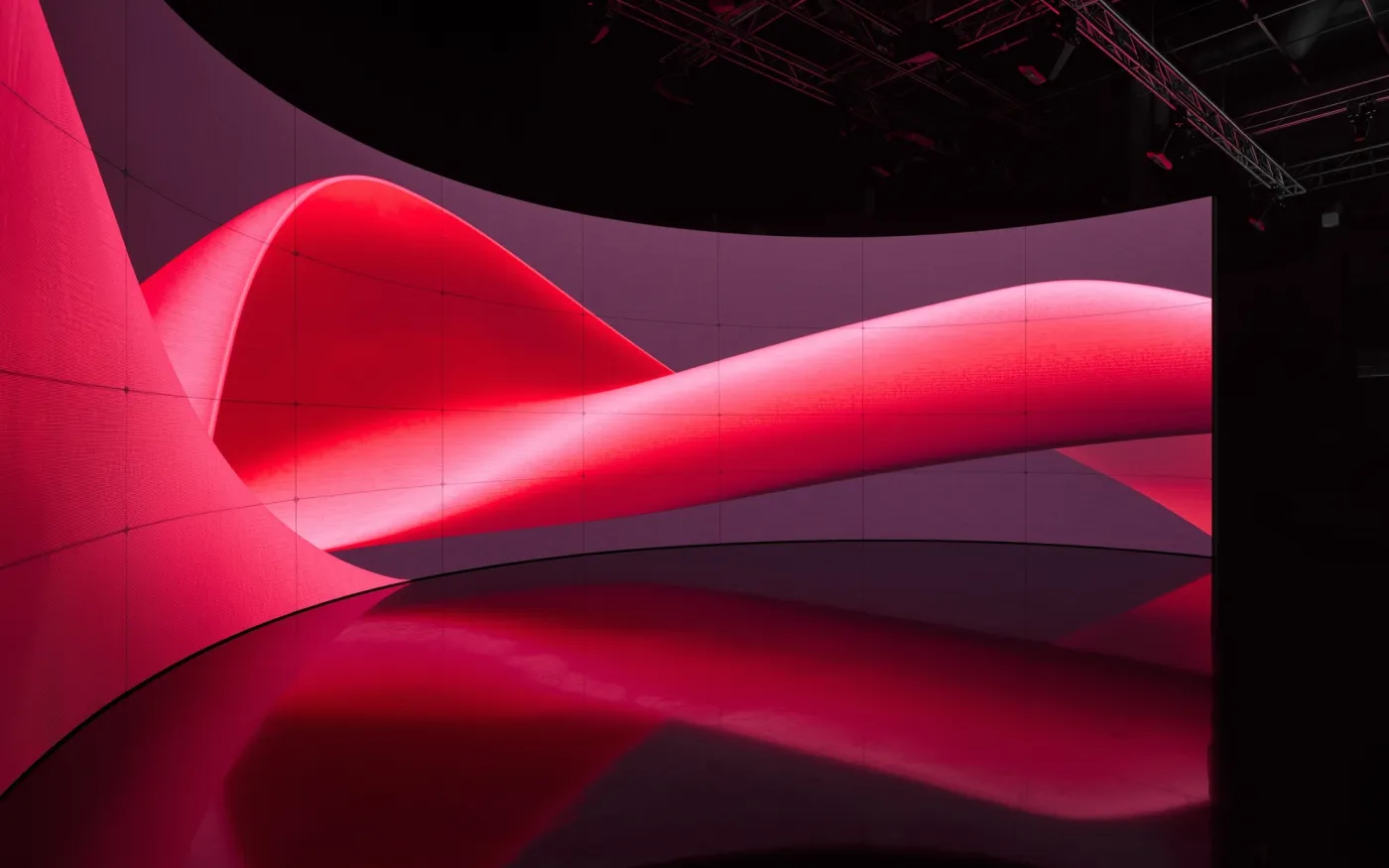
- Curved and irregular shapes are possible with modular cabinets.
What drives the cost
Size and pixel pitch set most of it. After that come mounting structure, power and data runs, the video processor that feeds the wall, content players, and whether the wall is indoor or outdoor rated. We quote after a site visit, with those pieces listed.
Power, cooling and service access
An LED wall draws real power, so it needs its own circuits sized by an electrician. Cabinets give off heat, which matters in an enclosed alcove. We plan service access to the front or back so a single module can be swapped without taking the wall apart. Power for the wall is outside the Town's low-voltage exemption, so the Building Official has the final say on permits. Building Safety is at (480) 358-3009.
Keeping content within the Town's rules
If the wall can be seen from outside, we help you set content that holds still. That usually means a message that changes no more than eight times a day, no flashing and no sound from the sign. Staff update it from a laptop or a scheduled playlist.
Often paired with
Walls usually go in with event audio and video for stages and with digital signage for menus and information screens. A single control panel can run all of it. More is on Enzo in Queen Creek.
